Most companies don’t realize they’re quietly losing money every single day.
Not because of bad hires.
Not because of poor tools.
But because of manual work that could have been automated.
Emails for approvals.
Spreadsheets passed around.
Data copied and pasted between systems.
Requests lost in inboxes or chat threads.
On their own, these tasks seem harmless. Combined, they cost businesses thousands to millions each year.
At Automations 365, we’ve spent over a decade helping organizations identify and eliminate this hidden waste using tools they already own – Microsoft 365 and the Microsoft Power Platform.
Let’s break down where the real cost comes from and how to fix it.
1. The Hidden Cost of Manual Work
Ask yourself:
- How many hours does your team spend on repetitive admin every week?
- How long do approvals take when everything happens over email?
- How often do errors occur because data is copied from Excel?
- How many follow-ups or requests go missing?
These inefficiencies show up as:
- Employees spending 2–3 hours per day on repetitive tasks
- Slow approval cycles delaying purchases or projects
- Reporting that takes days because data is scattered
- Errors from manual data entry
- Missed requests and poor visibility
Individually, they look small.
Together, they quietly drain ₱1M–₱10M per year and far more for larger teams.
More importantly, they steal time your people could be spending on high-value work.
2. The Power Platform Advantage
This is where Microsoft Power Platform comes in.
If your organization already uses Microsoft 365, you already have access to powerful low-code tools that can transform how work gets done.
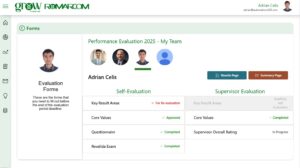
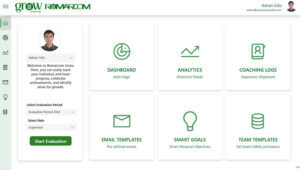
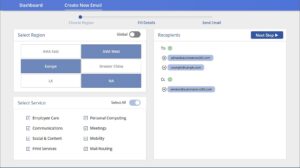
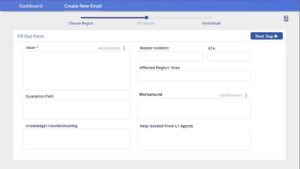
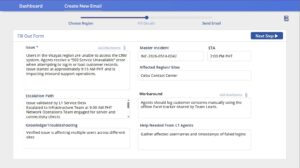
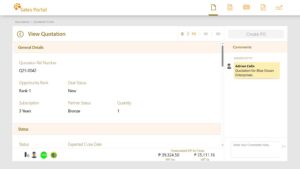
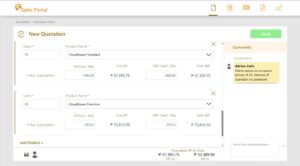
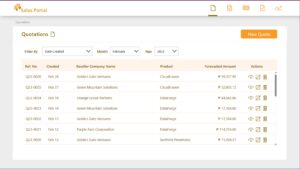
Power Apps — Replace Excel and Paper Forms
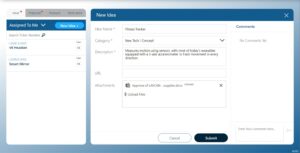
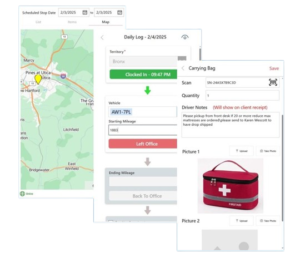
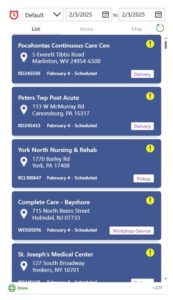
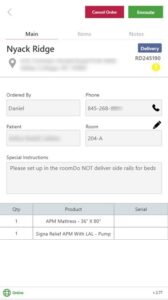
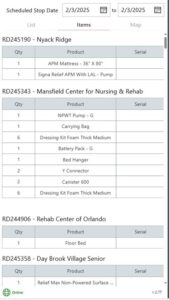
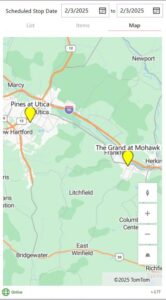
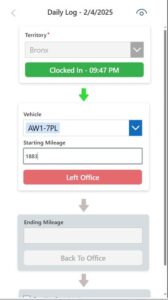
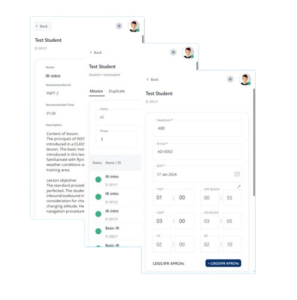
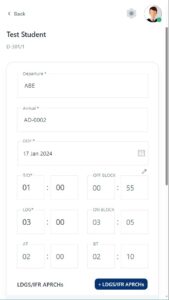
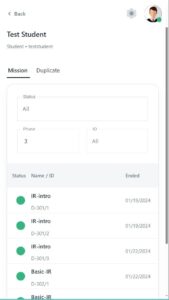
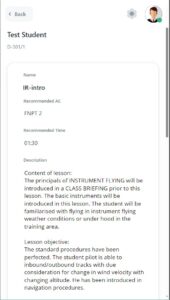
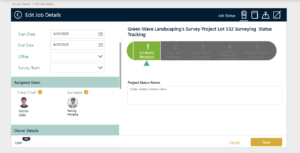
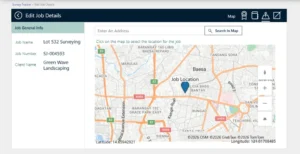
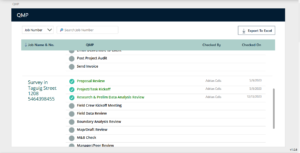
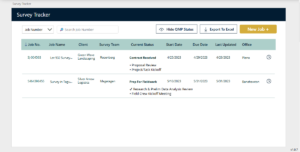
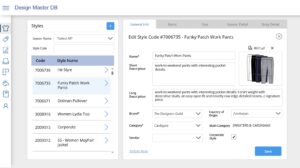
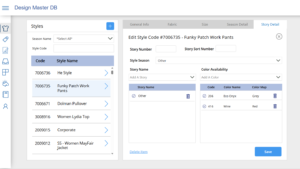
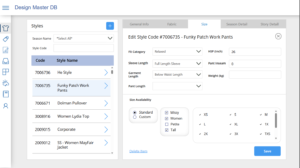
Power Apps lets you build custom business apps without months of development.
Common use cases include:
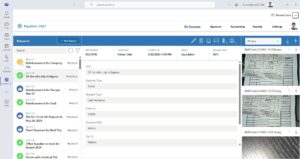
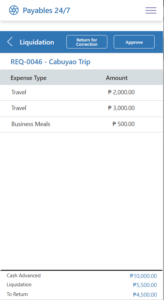
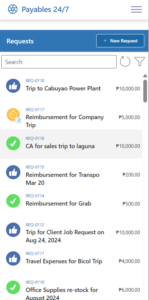
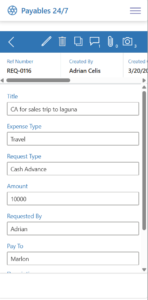
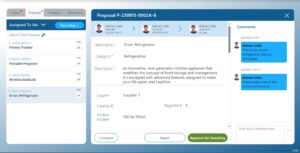
- Expense and purchase approvals
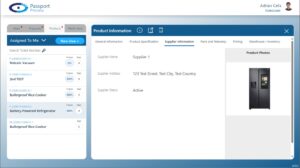
- Inventory tracking
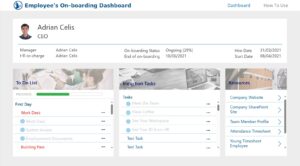
- Employee onboarding
- Sales request forms
- Operations checklists
Instead of scattered spreadsheets or chat messages, you get:
- Structured data
- Faster processing
- Consistent workflows
- No missing information
And the best part?
Power Apps is included with Microsoft 365.
Power Automate — Automate Repetitive Tasks
Power Automate allows you to build automated workflows that run in the background.
Examples include:
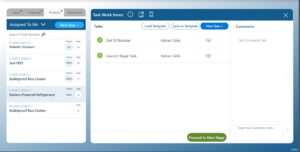
- Automatically routing approvals
- Sending reminders
- Syncing data between systems
- Generating PDF reports
- Tracking tasks and follow-ups
Instead of people chasing tasks, the system handles it for them, freeing your team to focus on work that actually matters.
Like Power Apps, this tool is also included in Microsoft 365.
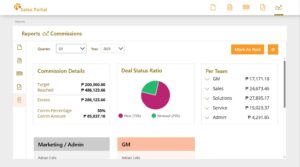
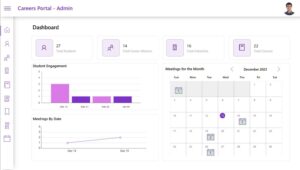
Power BI — Make Data-Driven Decisions
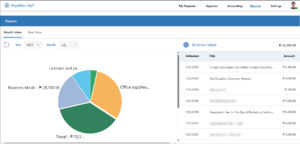
Power BI turns raw data into clear, visual insights.
You can instantly see:
- Sales performance
- Inventory movement
- Operational bottlenecks
- Employee productivity
- Customer trends
When leaders have real-time visibility, decisions become faster, smarter, and more confident.
3. The ROI of Automation
Companies that adopt Microsoft Power Platform typically see results within 30 to 90 days:
- Faster workflows
- 50–70% fewer errors
- 40–60% faster approvals
- Higher productivity
- Better visibility and control
- Significant time savings
Many organizations report saving 500–1,000+ hours per year through automation alone.
Bottom line:
Power Platform doesn’t just reduce costs, it creates a more agile, efficient organization.
Ready to Automate?
If you’re a CEO, founder, CTO, or decision-maker and your business uses Microsoft 365, the opportunity is already in your hands.
If you want to:
- Automate time-consuming processes
- Build custom internal apps
- Improve visibility and control
- Reduce operational waste
Talk to us.
At Automations 365, we help companies:
- Start small
- Automate fast
- Scale solutions properly
Send us a message and let’s identify where automation can deliver the biggest impact for your business.
Was this helpful?
Average rating 5 / 5. Vote count: 1