Microsoft Power Apps Development and Consultancy Services

How does Power Apps impact your business?
Eliminate Manual Processes
Automate repetitive tasks and streamline workflows to improve efficiency, reduce human error, and save valuable time across your organization.
Cost-Effective Development and Maintenance
Build scalable solutions with optimized development costs while ensuring reliable maintenance and long-term performance for your business.
Custom Solutions Tailored to Business Needs
We design and develop customized software solutions that align with your unique goals, workflows, and operational requirements.
Embrace Digital Transformation
Leverage modern technologies to modernize operations, enhance customer experiences, and drive sustainable business growth in a digital-first world.
Our solution to your efficiency challenges
Power Platform Consultation
For Power Apps consulting, a wide range of services are offered to help you train, assess options, and implement solutions while staying within your budget. These services can reduce your custom app development time and costs using pre-built services, connectors, and data sources. We provide advice and recommendation not only on Power Apps topics but on your whole Microsoft 365 infrastructure as well. We provide free consultation for up to 1 hour for first time clients and a free quotation.
Power Platform Development
Automations 365 has the prime expertise of Power Apps development. Our knowledge and wisdom that we have collected over the years makes us experts on this field. We develop the apps up to three times faster and less effort than traditional methods. And now, with the recent developments of Microsoft Copilot and AI tools, development will be even faster.
Power Platform Support
The development is just one phase of the project. We would like to make sure that you are using your solution to its maximum effect. That is why Automations 365 always include support after go-live of the app. There may be issues that will arise after the development, that is why our Microsoft Power Apps developers always got you covered.
How does our services typically work?
Discovery Call
Requirements Gathering
Planning & Contract
Design & Wireframes
Development
Testing
User Training
Go Live
Support & Maintenance
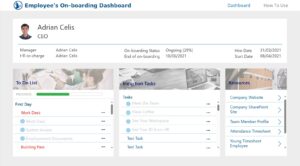
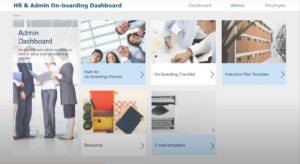
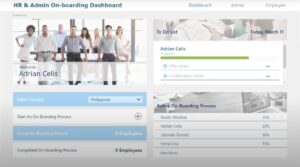
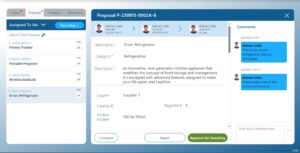
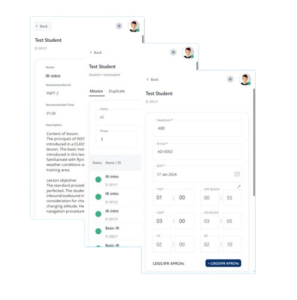
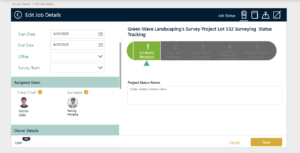
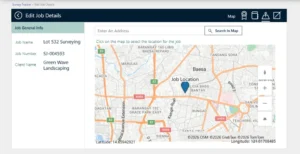
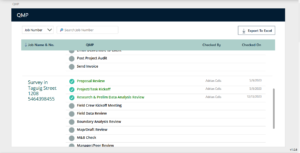
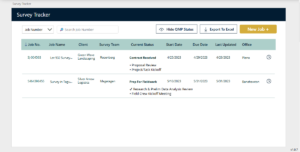
Previous Works
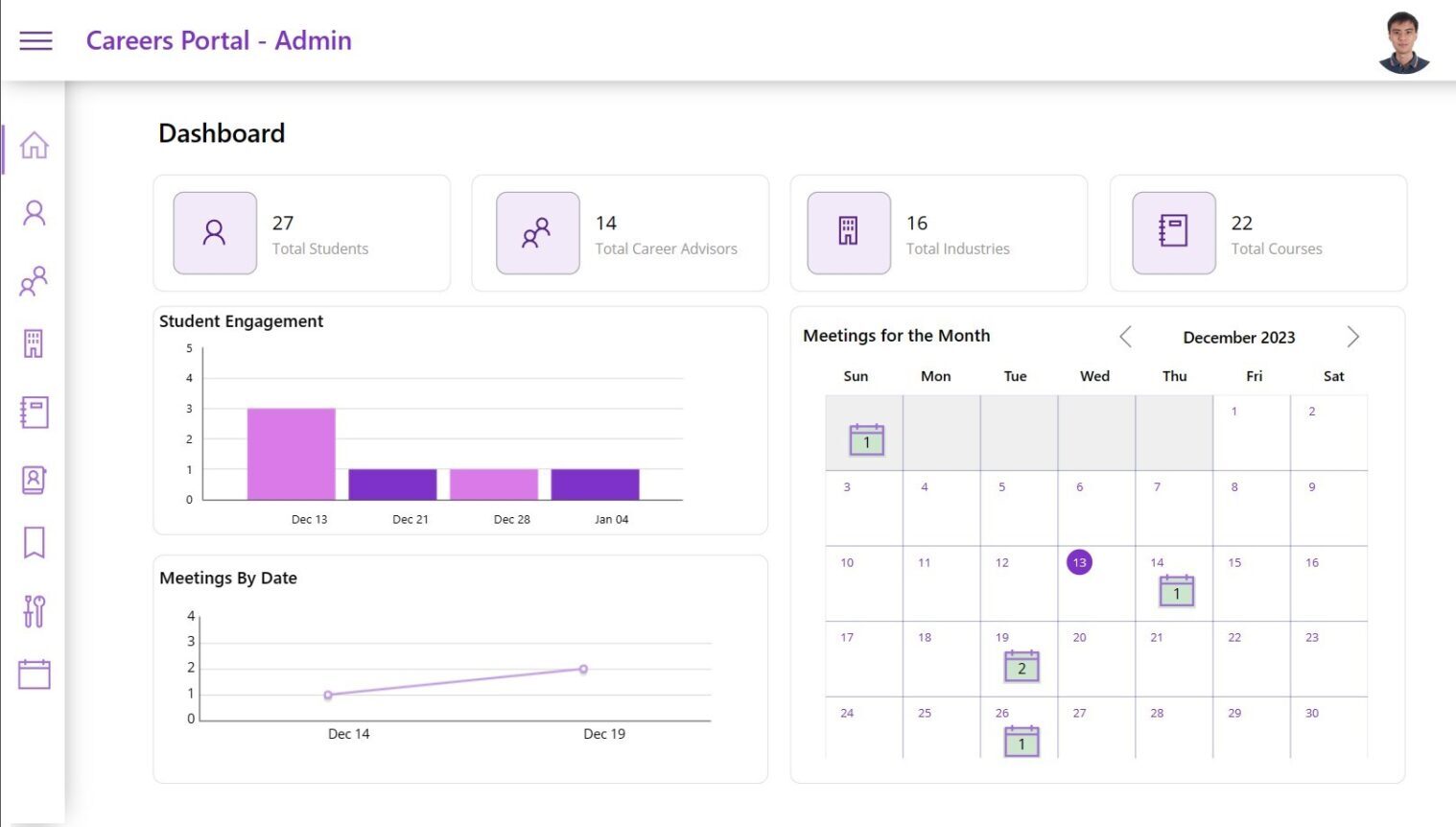
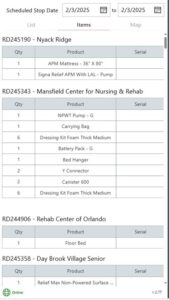
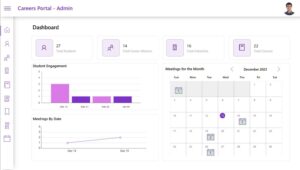
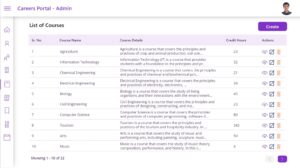
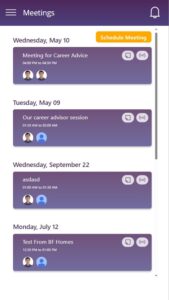
Careers Portal
- Powerapp
- Sharepoint
- Outlook
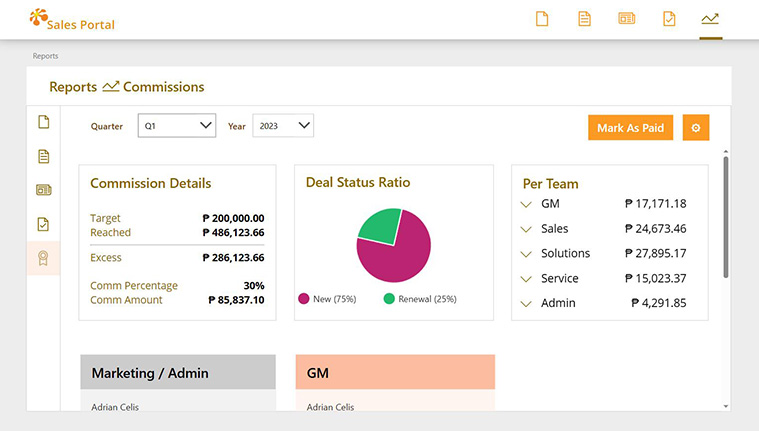
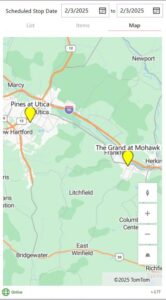
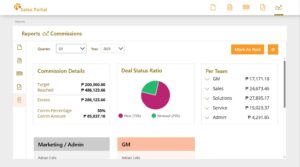
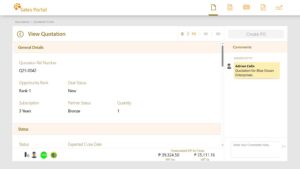
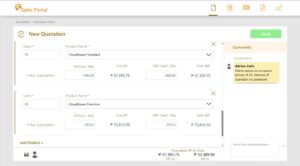
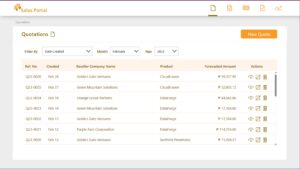
Sales Portal
- Powerapp
- Power Automate
- Power BI
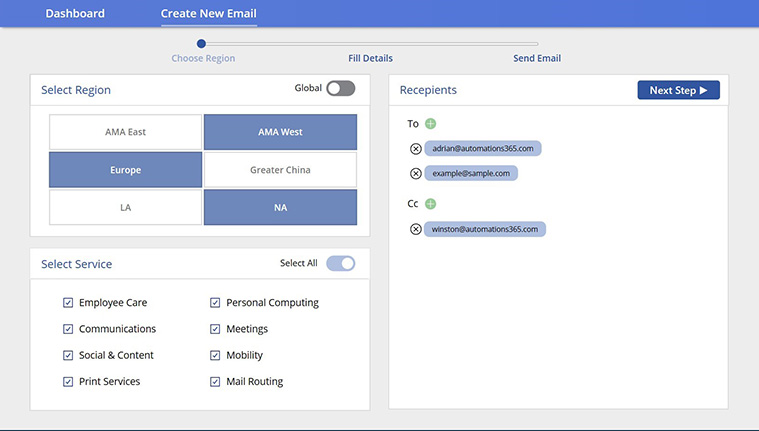
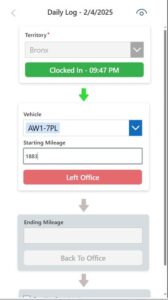
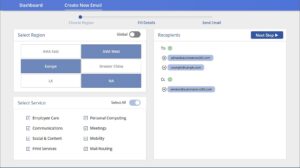
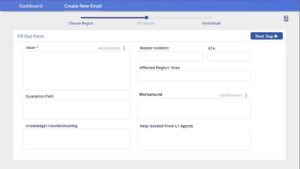
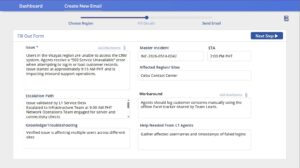
IT Incident Tracker
- Powerapp
- Outlook
What are the advantages of Power Apps?
- Already free if you have a Microsoft 365 account
- Faster development time compared to traditional development platforms
- So many connectors to other apps, websites, and programs.
- Once an app is built, you can access it on desktops, tablets, and mobile phone.
- Can be accessed simultaneously by multiple users.
- It is named a Leader in 2023 Gartner® Magic Quadrant™ for Enterprise Low-Code Application Platforms

Common Pitfalls of businesses especially Small & Medium businesses (SMEs)
Spreadsheets, spreadsheet, and spreadsheets. This is the go-to tool of businesses whenever they cannot find a dedicated solution for
their workflow. While Excel is a very flexible and convenient tool, sometimes security and stability is what you need. If you have used Excel for some time now, you know it is prone to crashing. Power Apps rarely crashes.
What is keeping businesses from moving to a dedicated system?
Frequently Asked Questions
What is Power Apps development?
Power Apps is a suite of apps, services, and data platforms that enables rapid application development to build custom apps based on business requirements. Development in Power Apps is based on a combination of drag-and-drop functionalities and coding for the more complex logic. This combination allows Power Apps apps to be develop fast enough while being flexible in functionalities.
What programming language is Power Apps?
Is Power Apps good for developers?
How to become a Power Apps developer?
Is Power Apps easy to learn?
What can you create with Power Apps?
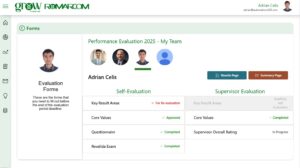
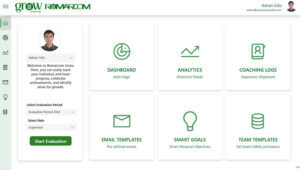
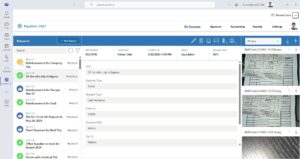
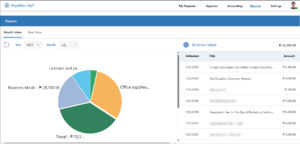
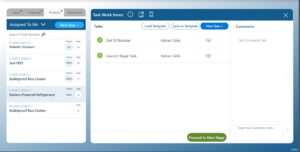
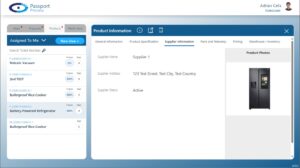
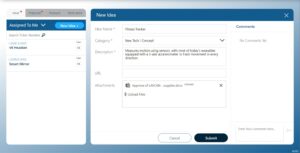
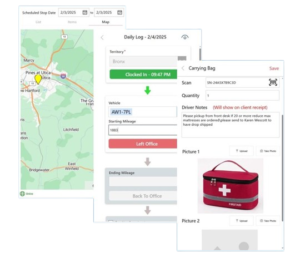
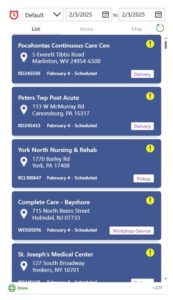
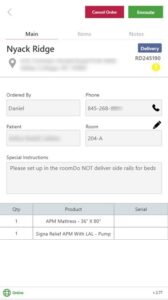
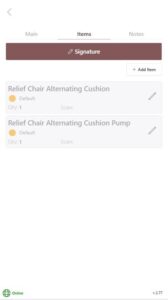
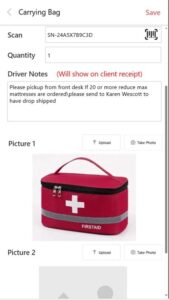
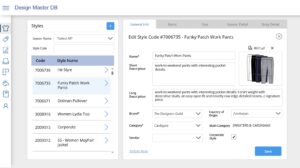
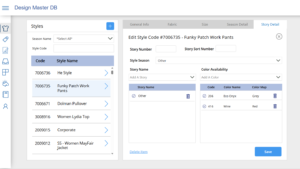
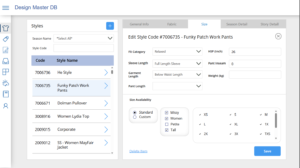
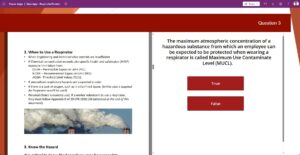
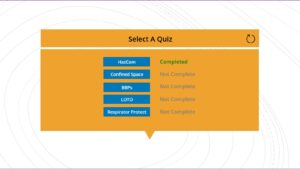
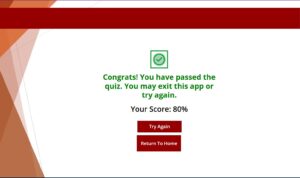
You can create a wide range of apps and solutions with Power Apps. From simple quiz apps to complex supply chain apps, Power Apps is capable of handling complex apps. Take a look at our portfolio for reference.
Does Power Apps require coding?
Can you use Power Apps for personal use?
Power Apps is made to use for businesses. But you may use it for personal use too. You only need a Power Apps license or a Microsoft 365 account.