Microsoft Power Automate Development and Consultancy Services
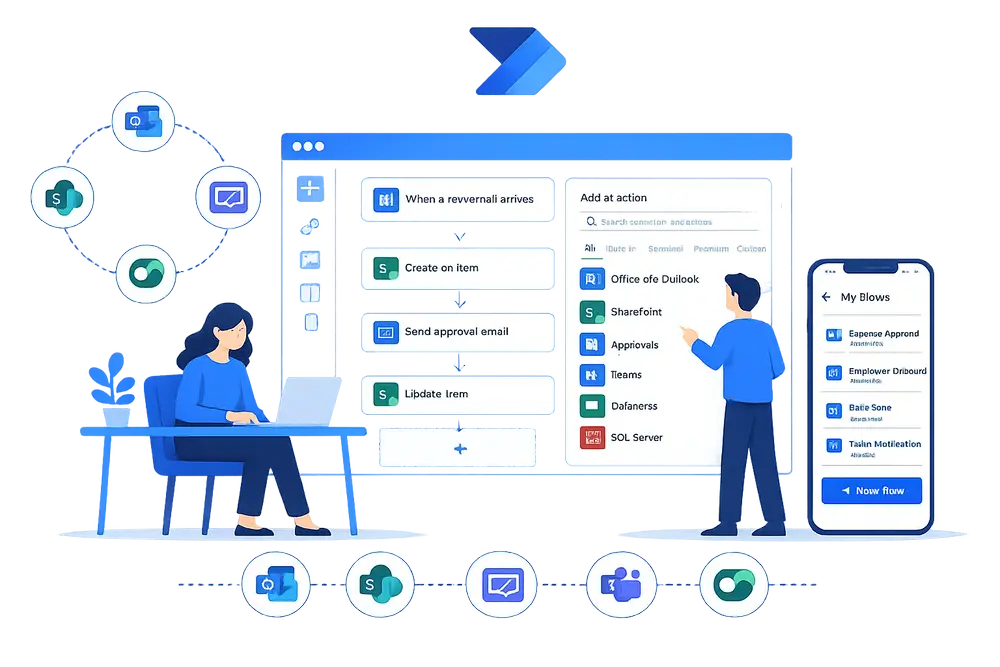
Three core Services
Microsoft Power Automate is the automation branch of Power Platform and gives access to numerous automation functionalities within Microsoft 365.
Here at Automations 365, we offer three core services to leverage Power Automate into your workflows: consultation, development, and support.
Power Automate Consultation Services
Automations 365 provides consultation about the possibilities and limitations when using Power Automate. These can be functionalities, compatibility, scalability and licensing. We will also provide you what the best approach is and if we will also use the rest of the Power Platform services to go along with our automations.
Power Automate Development Services
Our Power Automate developers will be able to develop your automations quicker than traditional tools such as PowerShell and Python. This faster turnaround benefits the maintenance phase as it is easier to find and fix issues; as well as the expansion phase as it can come much quicker than initially expected. Through Power Automate, making a Minimum Viable Product (MVP) approach a good choice for starting projects.
Power Automate Support Services
Sometimes issues can arise during the time that your Power Automate flow is already live. These can be newly encountered bugs, internal setup issues, or Microsoft-related issues. We provide technical support to make sure that your automation flows will be running correctly in no time.

Common Pitfalls of businesses especially Small & Medium businesses (SMEs)
Business owners sometimes prefer to do tasks manually to ensure they have a good grasp of the overall systems. Overtime, they ponder on the idea of process automation, but they may not know which tool to use. If your business is already using Microsoft 365, you already have free access to Power Automate. Anyone without coding knowledge can create simple automated flows. To create more complex flows, such as connecting to external websites and automating charts in Excel, you need a professional to help - and that is why Automations 365, and our team of Power Automate developers are here for you!
How Can Microsoft Power Automate Services Improve Business Processes?
Acceleration of Task Completion
Regardless of your device, you have the power to run automations from your desktop, tablet, and mobile device. In letting automation workflows handle the tedious, repetitive tasks, you are ensured that they get completed at a much faster development time compared to traditional methods or other using development platforms
Streamlined Processes
If you are able to leverage automation to identify opportunities and design workflows highly specific to your business’ processes, you can expect optimal performance from your teams. Streamlined processes limit the blockers from occurring and hindering tasks to be completed.
Seamless Workflow Integration
If you already have a Microsoft 365 account, you already have access to Power Automate for free as it’s already integrated within Microsoft 365 apps and users. Additionally, it is also compatible with over 300 connectors to other apps, websites, and programs, allowing users to not be restricted in their choices when creating automation flows.
Reduction of Human Error
Tasks done manually are prone to mistakes. Automating data gathering, processing, checking, and transfers allow for less of these errors to occur as long as the automation logics are accurate.
How Can Microsoft Power Automate Services Improve Business Processes?
Acceleration of Task Completion
Regardless of your device, you have the power to run automations from your desktop, tablet, and mobile device. In letting automation workflows handle the tedious, repetitive tasks, you are ensured that they get completed at a much faster development time compared to traditional methods or other using development platforms
Streamlined Processes
If you are able to leverage automation to identify opportunities and design workflows highly specific to your business’ processes, you can expect optimal performance from your teams. Streamlined processes limit the blockers from occurring and hindering tasks to be completed.
Seamless Workflow Integration
If you already have a Microsoft 365 account, you already have access to Power Automate for free as it’s already integrated within Microsoft 365 apps and users. Additionally, it is also compatible with over 300 connectors to other apps, websites, and programs, allowing users to not be restricted in their choices when creating automation flows.
Reduction of Human Error
Tasks done manually are prone to mistakes. Automating data gathering, processing, checking, and transfers allow for less of these errors to occur as long as the automation logics are accurate.
Why Should Businesses Get Power Automate Support Services?
Dabbling in Power Automate by yourself can sometimes lead to hurdles that are too complex to figure out yourself. In times like this, technical issues may feel too daunting for an individual to handle especially if they lack expertise.
With Automations 365, getting Power Automate Support Services allows you access to:
- Personal Consultation adapted based on your unique needs
- Expert Guidance and Training from Power Platform developers
- Troubleshooting Assistance for simple to complex Power Automate tasks
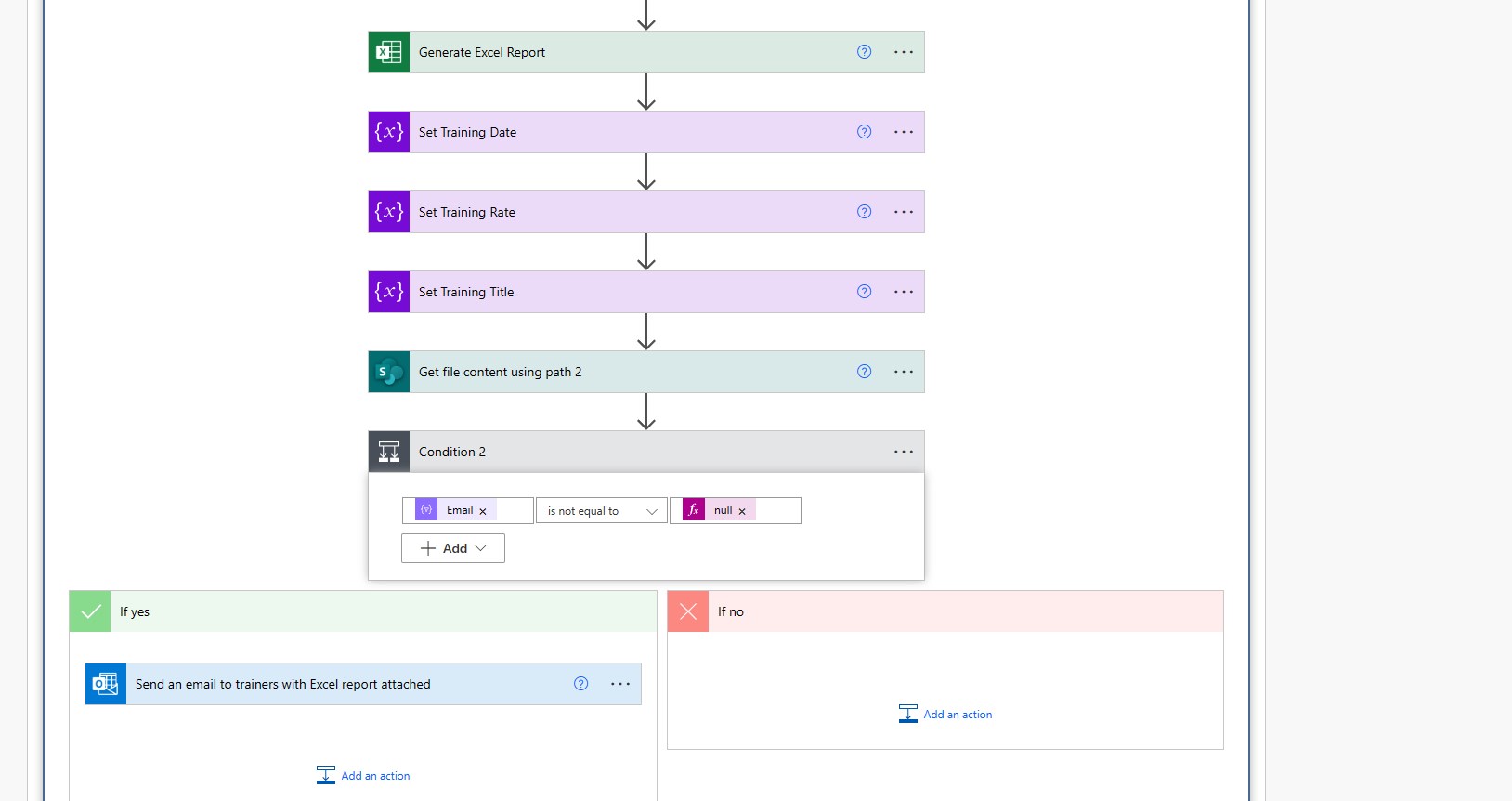
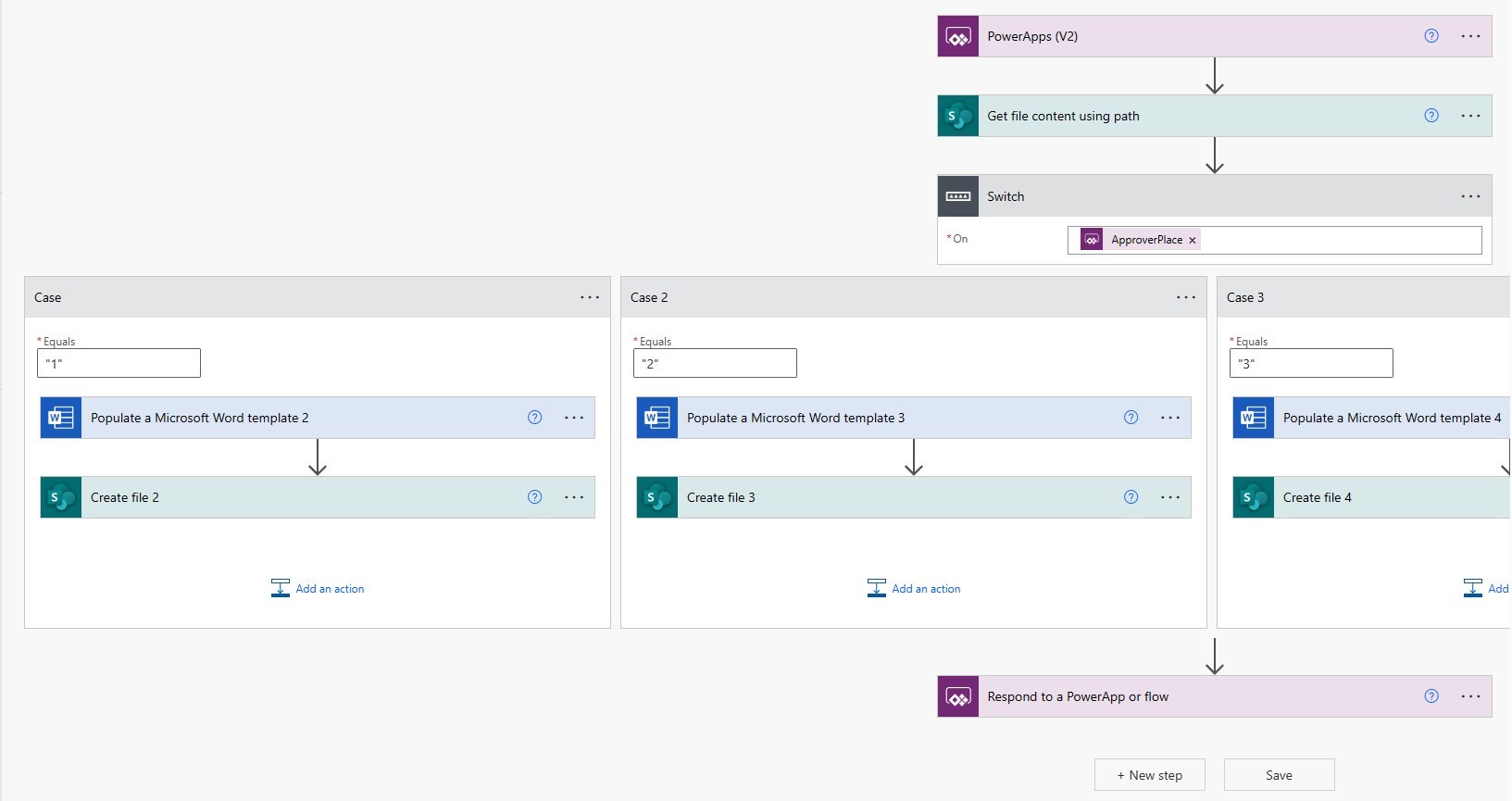
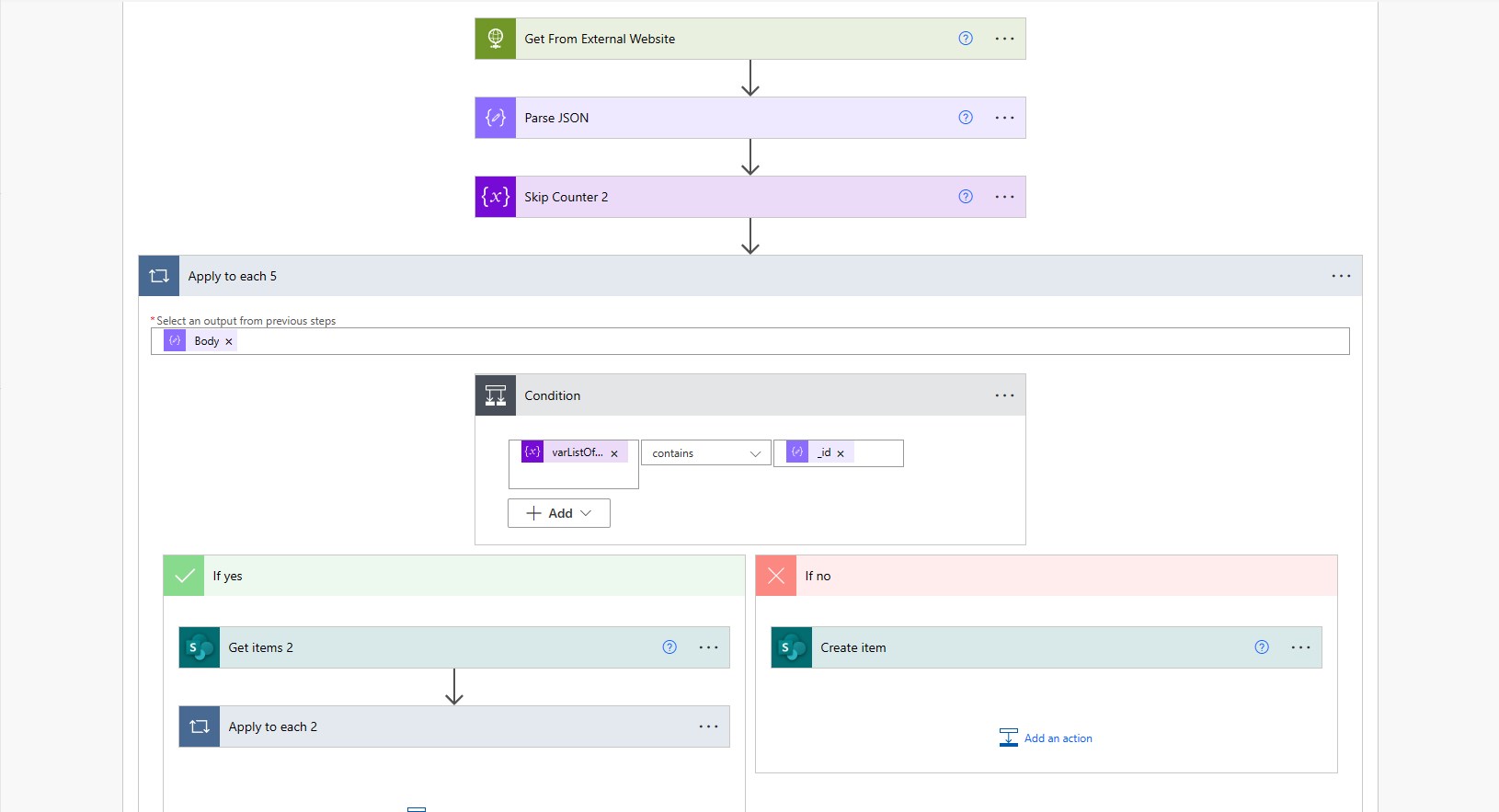
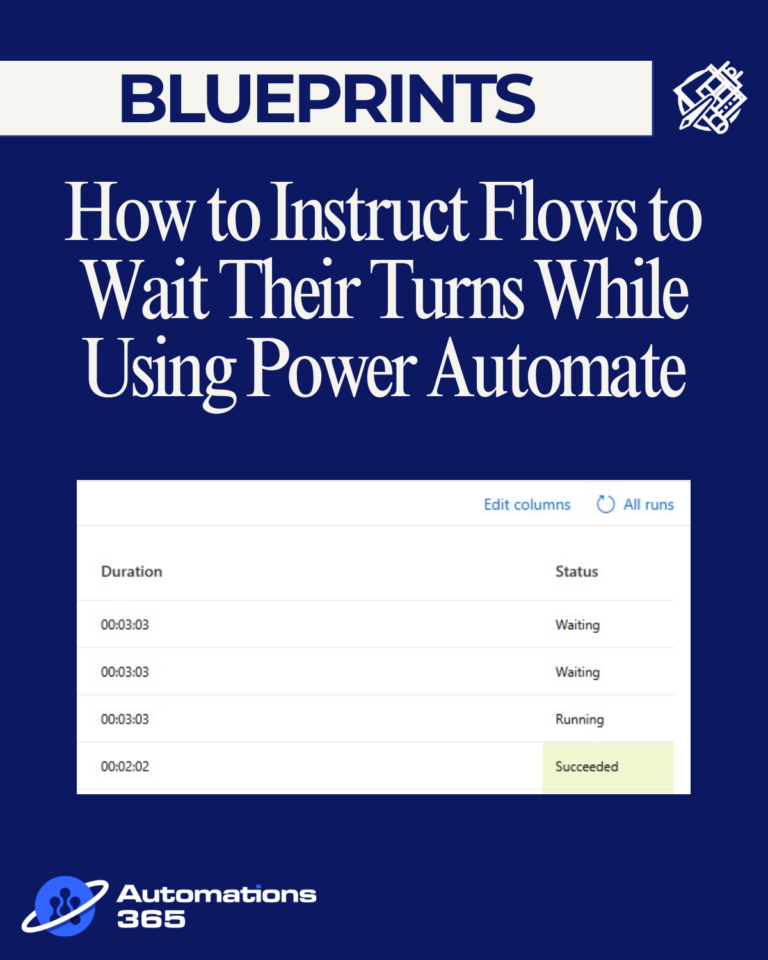
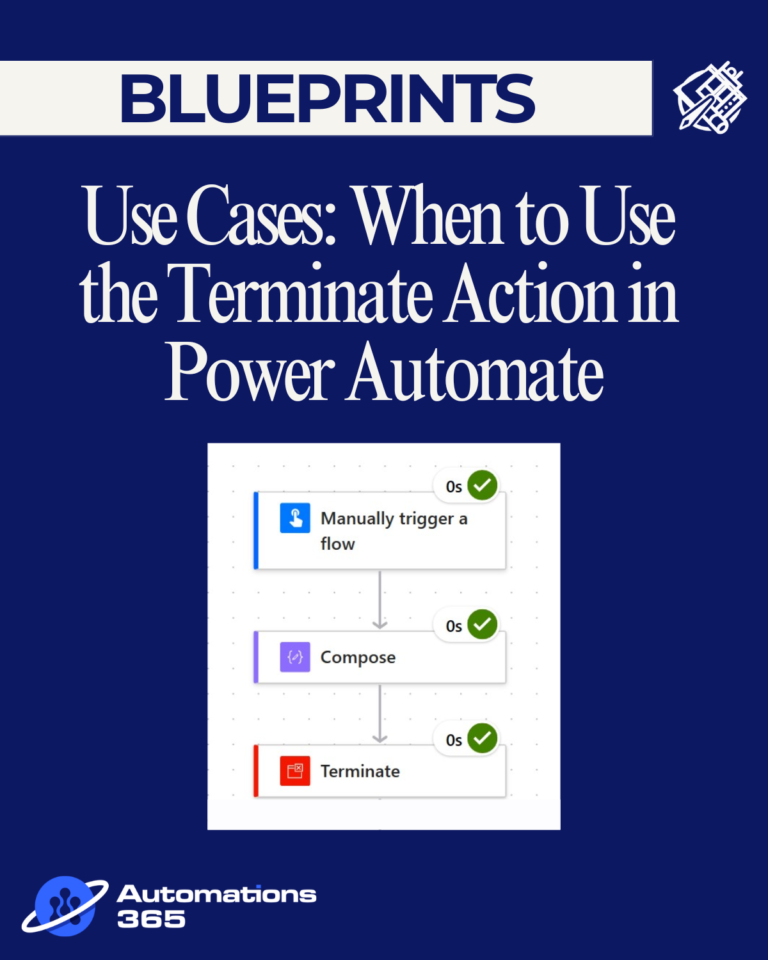
Sample Use Cases for Power Automate

Frequently Asked Questions
What is Power Automate?
What is a Power Automate Developer?
Is Power Automate a development tool?
What coding language is Power Automate?
What is Power Automate used for?
What is the difference between Microsoft Flow and Power Automate?
Is Power Automate better than VBA?
Each tool has a specific use case and is designed for different purposes. Power Automate run on the cloud, which means it can automate files in Excel Online, Word Online, etc. VBA runs on the desktop app itself and does not require the user to be online. Power Automate has a wide scope in terms of connectors to other systems. VBA on the other hand, works in Microsoft desktop applications only.