Skip to content
Automations 365 Logo Cropped 1
  • Home
  • About Us
  • Our Works
  • Blueprints
    • Power Platform Blueprints
    • Blogs
  • Services
    • Microsoft Power Platform Development Services – Philippines
    • Microsoft Power Apps Development Services
    • Microsoft Power Automate Development Services
    • Microsoft Power BI Development Services
    • Microsoft Power Pages Development Services
    • Microsoft Copilot Studio Development Services
  • Careers
  • Contact Us
Automations 365 Logo Cropped 1
  • About Us
    • Meet the team
  • Blueprints List
  • Careers
  • Contact Us
  • Home
  • Microsoft Copilot Studio Development Services
  • Microsoft Power Apps Development Services
  • Microsoft Power Automate Development Services
  • Microsoft Power BI Development Services
  • Microsoft Power Pages Development Services
  • Microsoft Power Platform Development Services – Philippines
  • Our Works
  • Power Platform Blogs
  • Power Platform Blueprints
  • Privacy Policy
  • Products
  • Services

Power Platform Blueprints

Welcome to Blueprints! These are step-by-step procedural guides to concepts, solutions and snippets using Power Platform. Our developers that encounter challenges and solved them will post guides in order to help other developers get past these problems.
Featured Blueprints

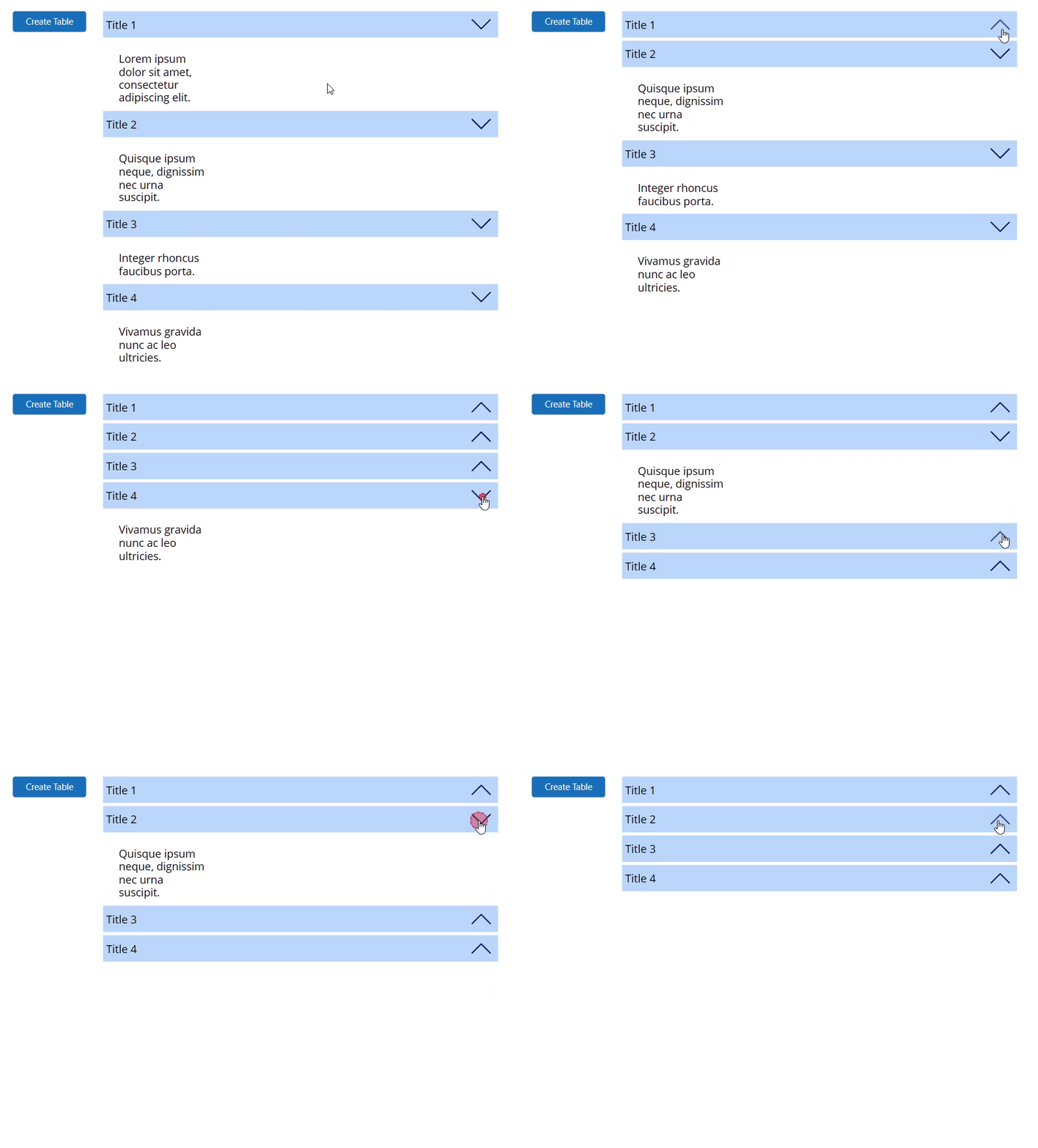
powerapps accordion expandable gallery demo gif

Power Apps – How to create an accordion or a expandable gallery

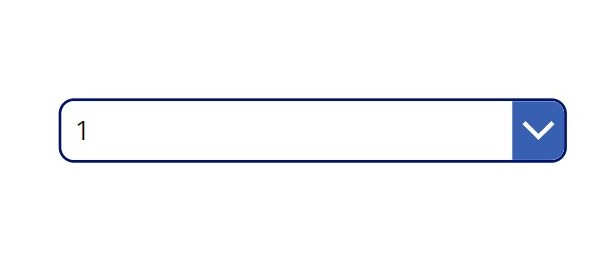
Power Apps Dropdown Curved edges image 3

Power Apps- Curved Dropdown and Date Picker Border Radius

Power Apps Create a draggable object horizontal Image 5

Power Apps – Create a draggable object (horizontal)

Power Apps list box control demo

Power Apps – Item Allocation using List Box

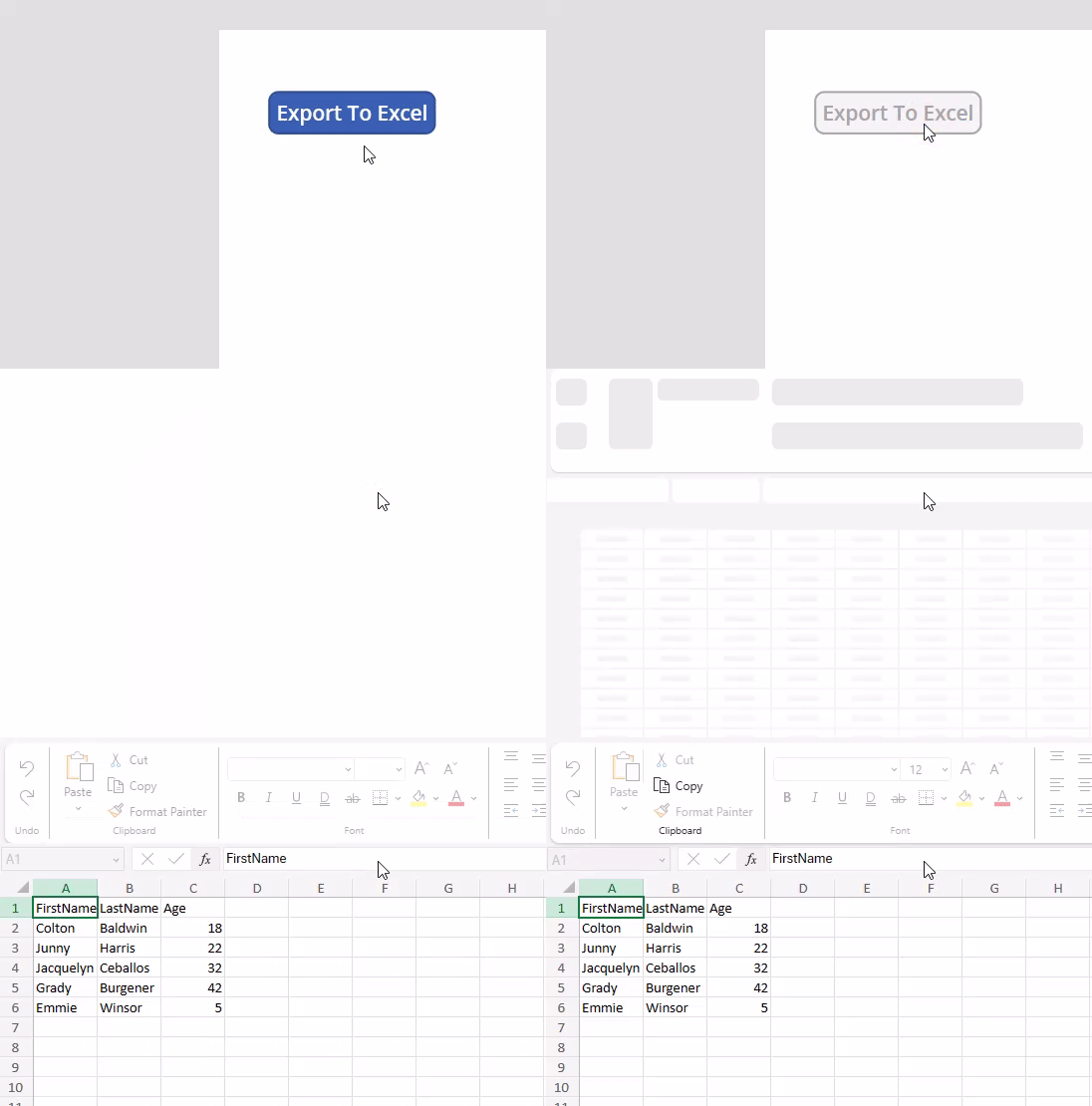
Power Automate Export to Excel CSV

Power Apps / Automate – Export Collection To Excel (CSV)

Power Apps tab controls GIF

Power Apps – How to Create Tabs

  • Previous
  • 1
  • 2
  • 3
  • Next

Latest Blueprints

Welcome to Automations365!

Welcome to Automations365!

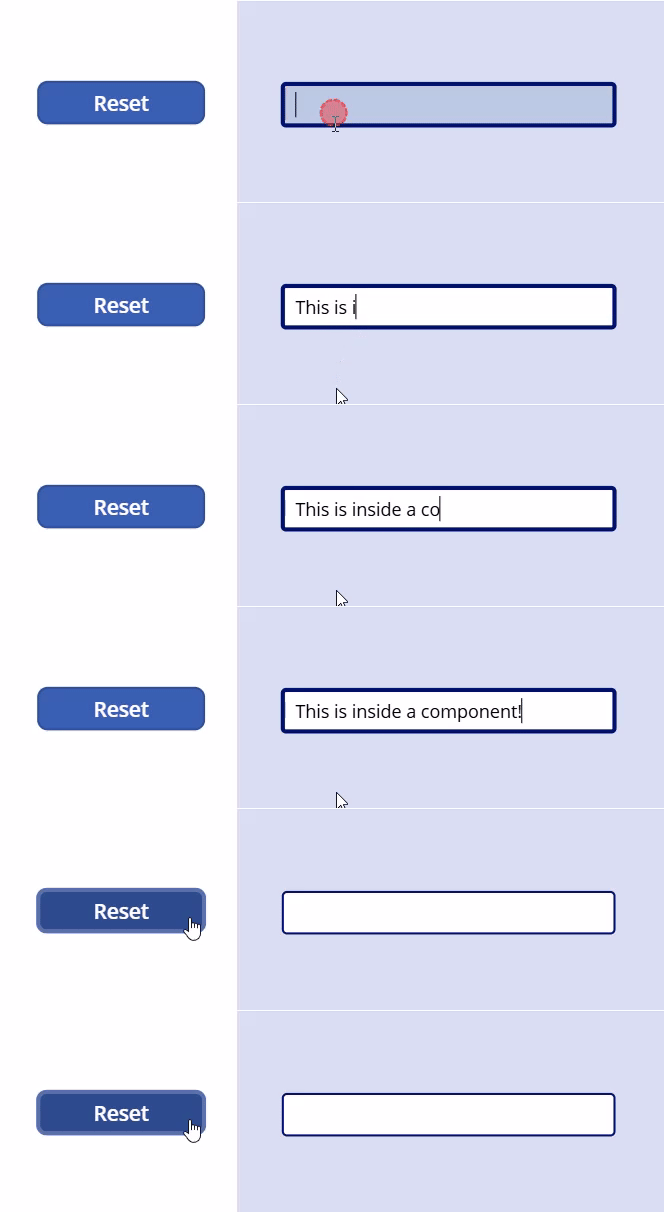
Power Apps – Reset a control inside a component

Power Apps – Reset a control inside a component

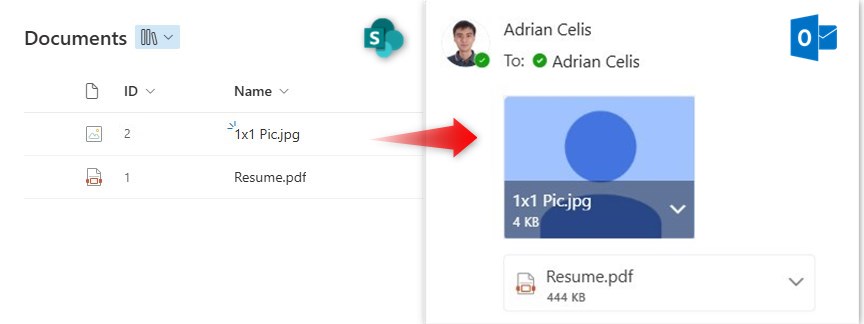
Power Automate – Get attachments in SharePoint library and send to email

Power Automate – Get attachments in SharePoint library and send to email

Power Automate – Get attachments in SharePoint list item and send to email

Power Automate – Get attachments in SharePoint list item and send to email

Power Apps – Rotate and Flip Images

Power Apps – Rotate and Flip Images

Power Apps – Bulk Updates in a Gallery

Power Apps – Bulk Updates in a Gallery

Load More
Load More
Show All Blueprints

Automations 365

We are the team dedicated for Microsoft Power Platform and Microsoft 365 automations. We have the people-first approach of bringing software automation to the business world.
Contact Info

+639174939380
info@automations365.com
Building 1, Unit 1 Block 33 Lot 13 Jasmine Street, Alamanza Dos, Las Piñas, Philippines

Quick Links

  • Our Works
  • Services
  • Contact Us
  • Privacy Policy

Copyright © 2026 Automations 365. All rights reserved.

Airport Incident Reporting

This Power App collects incident reports from airport ground staff, pilots, flight attendants and crew members where there are any problems in their operations. This will be seen by the manager who assigns people to resolve these incidents.

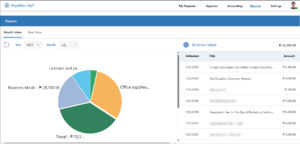
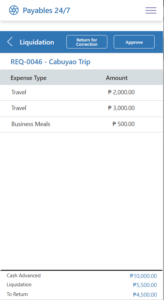
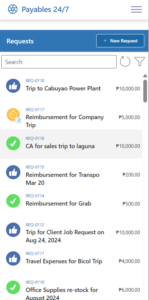
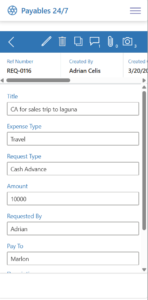
Expense Approval

This Expense Approval tool in Microsoft Teams has been used by a small business where the owner is frequently away from the country. With this tool replacing their pen and paper approval system, it made way to communicate expenses with the owner seamlessly.

Expense Approval App

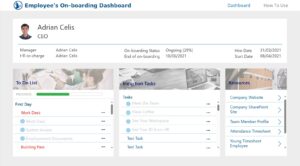
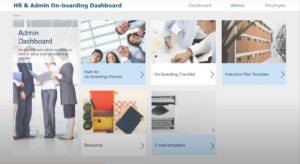
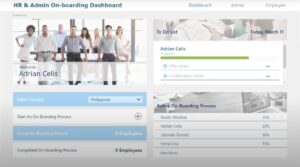
HR Onboarding

This onboarding management app used by HR of a multinational firm was used by their 40+ country sites. New hires will never be hard to manage again!

Ideas Portal

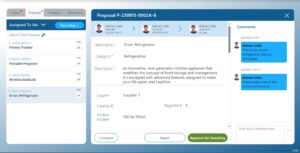
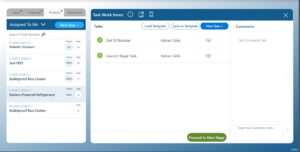
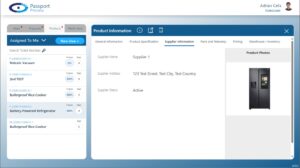
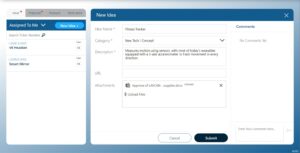
A big manufacturing company crowd sources from their own employees for ideas about their new product launches. This 8-step approval process of idea approval, procurement, and design comparison was fit into a Power App.

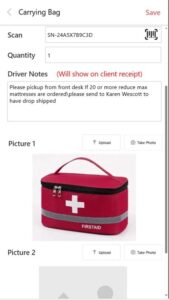
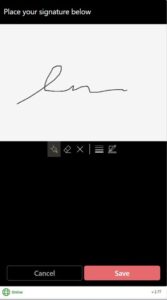
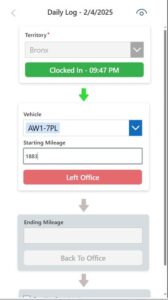
Delivery Tracker App

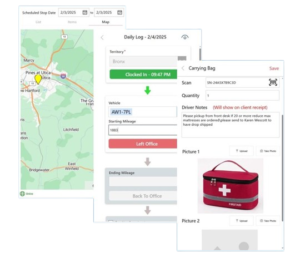
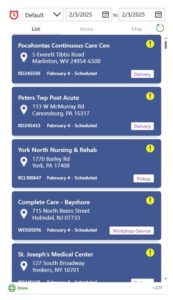
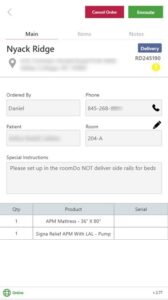
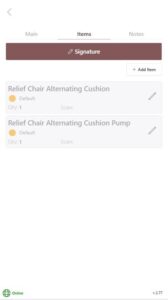
A hospital equipment supplier had their delivery drivers use this offline-enabled app to track and handle their deliveries for the day. This app is integrated with their Dynamics 365 Field Service ERP system.

Power Apps Delivery App
Driver Delivery App

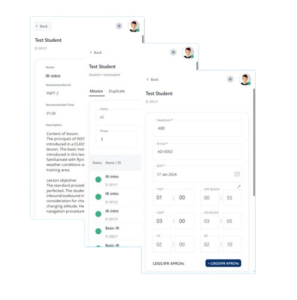
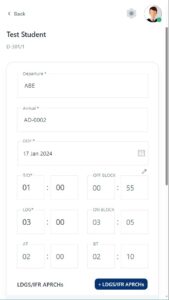
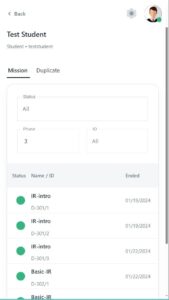
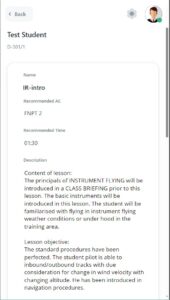
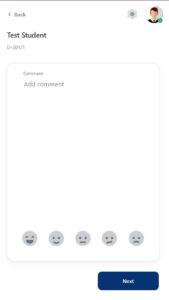
Aviation Student Pilot Guide

A Power App for pilot students of a flight school was created for their flight tests. This app is offline-enabled to be usable during mid-flight. Data will be synced when landed on the airport.

Land Survey Tracker

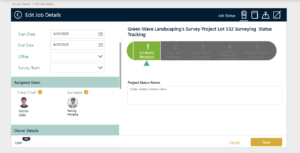
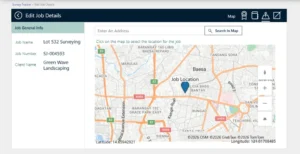
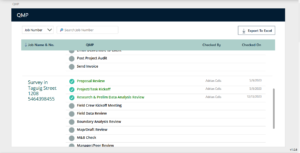
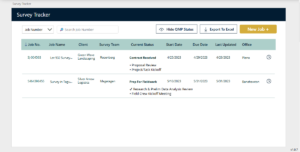
An engineering company needed a Domino’s Pizza style delivery notification. The surveying job is recorded and its coordinates are noted in the map. Once a surveying job has progressed, this Power App tool will notify the client and the team about the progress and its details.

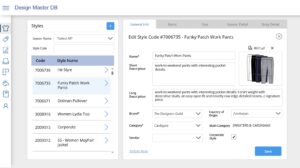
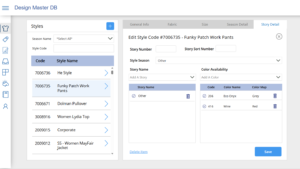
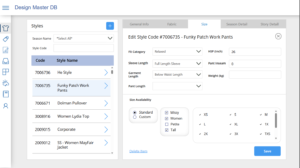
Apparel Design App

An apparel company had a Microsoft Access database that stores data on their products. But they needed a cloud-based solution for their team to access from anywhere. So we made them a Power Apps tool to replace their old tool in just 2 to 3 weeks.

Apparel Design App via Power Apps
Apparel Design App

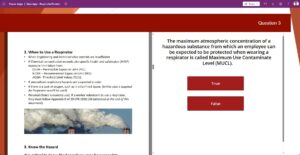
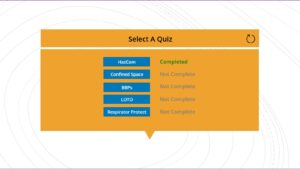
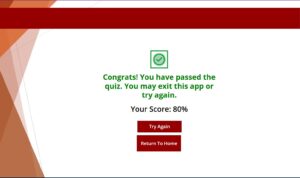
Training Assessment App

This training app features the Power Apps feature of the PDF viewer. With this, the quiz participant will be able to take the training in an open-notes format.

Training Assessment via Power Apps
Training Assessment App

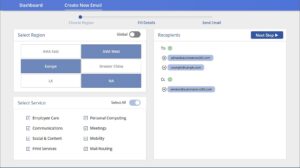
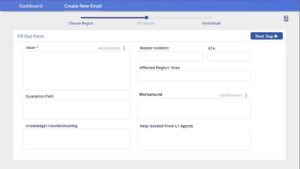
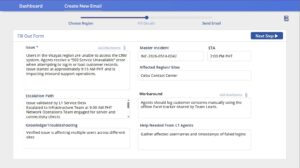
IT Incident Tracker​​

This IT ticket handler tool made in Power Apps utilizes email notification feature of Outlook. IT helpdesk apps are a popular choice for Power Apps, and on this case we made it very convenient for the IT team to track their tickets.

IT ticket hanlder tool using Power Apps
IT Ticket Management

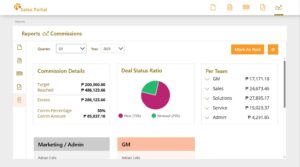
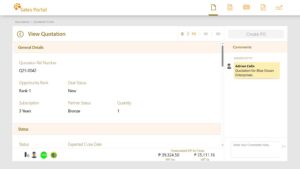
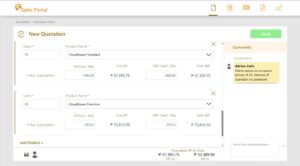
Sales Portal​

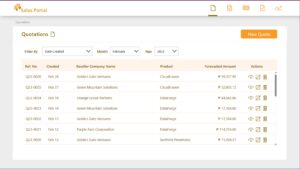
A perfect Power Platform example. Power Apps is used for interacting with the sales team. Power Automate integrates the app with MailChimp, generating a dynamic Excel Report, and handles notifications. While a Power BI report is used by management to make important business decisions.

Careers Portal

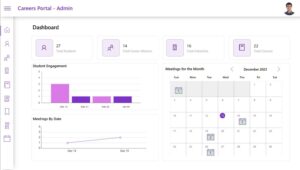
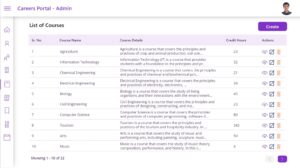
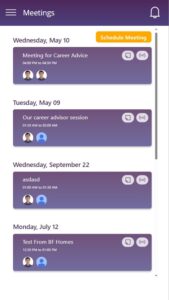
This is a Power Apps made for an educational institute that helps connects students and career advisors. Desktop and mobile layouts, Audio note recording, meeting scheduler, and a user-friendly design are the main highlights of this solution.

Privacy Policy